Create a Socxly Short Link for a File Upload
Note
File types supported – jpg, png, gif, pdf, docx, xlsx & pptx
File size in Beta version - 50mb
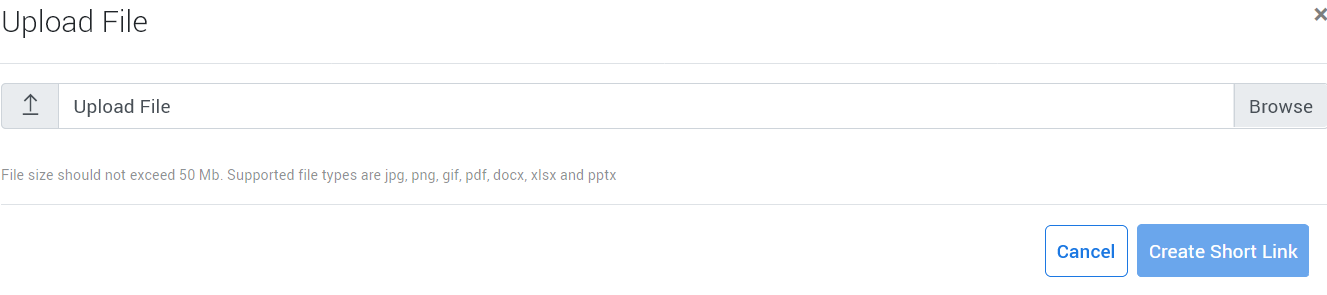
Once you Upload a supported File, the screen expands as below and show the File & File Name
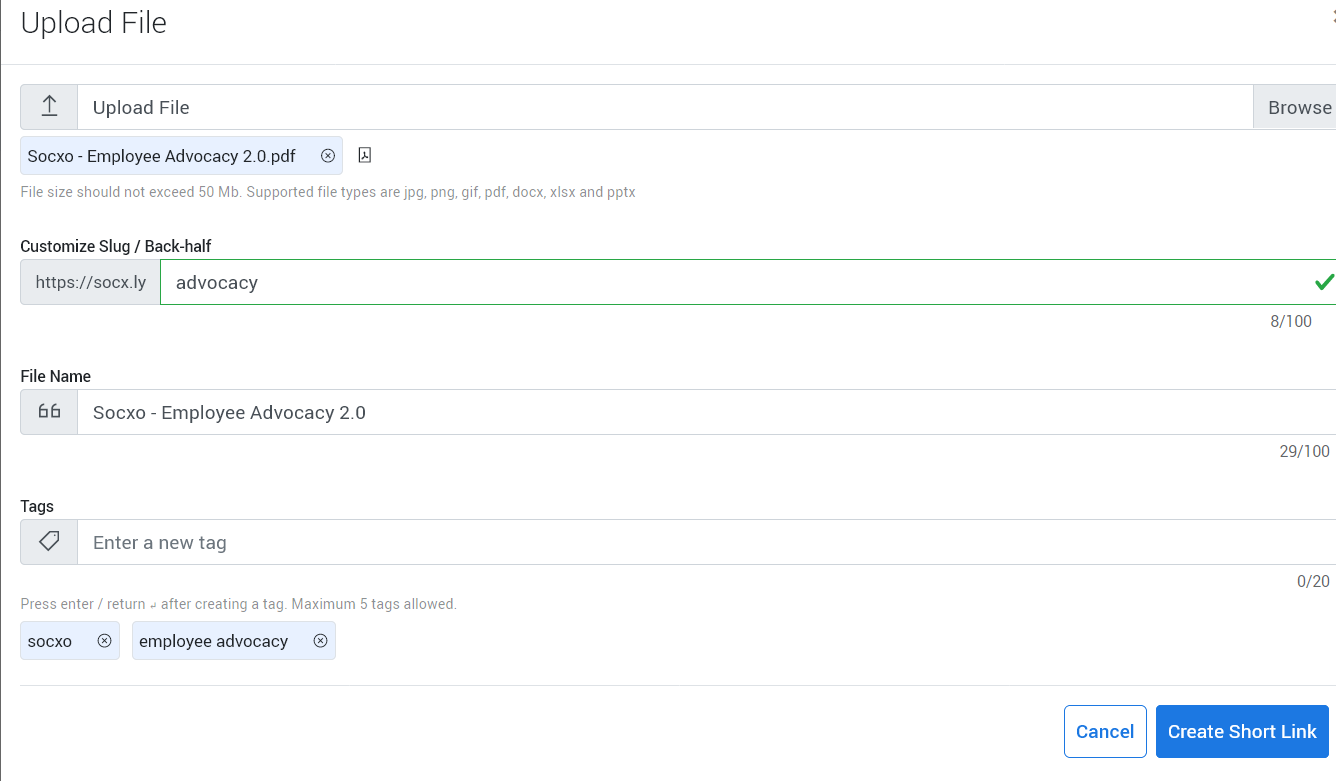
Customize Back-Half (Optional)
You can Customize the Back-half or Slug as required (refer to the steps here)
File Name
File Name is similar to the Title of a Short Link
The file name is automatically identified and entered in the box ‘File Name’
You can modify the File Name as required which helps search the Short Link